Ads and trackers, blocked
Blocking is part of the browser, not an extension you have to find and trust. Filter lists ship with the app, so protection is on from the first page you load.
Version 1.0.22 / macOS & Windows / Free
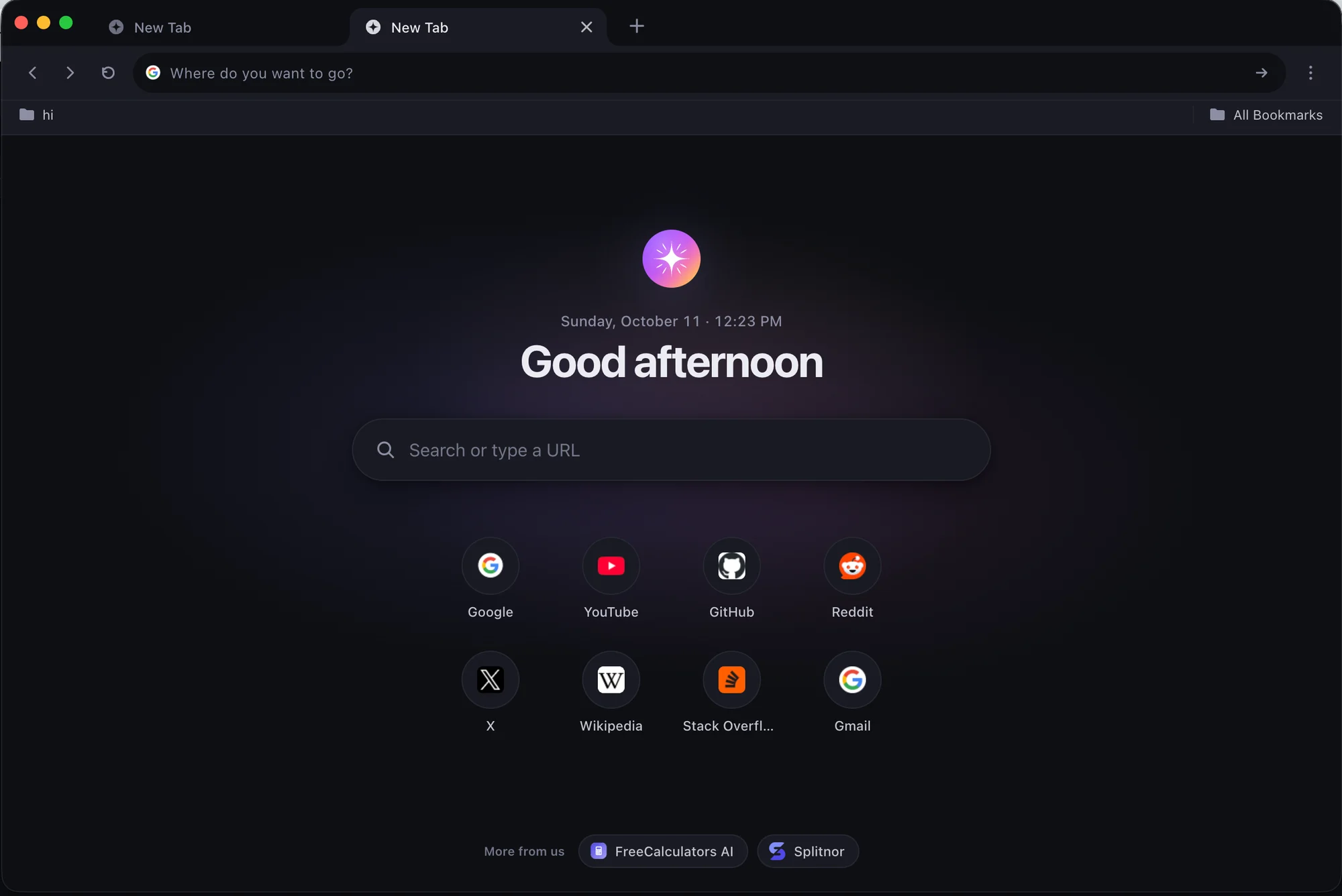
Lumina blocks ads and trackers by default, keeps your passwords on your own machine, and lets idle tabs rest so the ones you're using stay quick. No account. No telemetry.
Windows version is available from the Microsoft Store.
Features
Blocking is part of the browser, not an extension you have to find and trust. Filter lists ship with the app, so protection is on from the first page you load.
Tabs you haven’t touched in a while are put to sleep and wake the moment you return. Keep fifty open without your laptop fan noticing.
The built-in password manager encrypts with AES-256-GCM and stores everything on your device. Nothing is synced to a server you didn’t choose.
Open a window that forgets. History, cookies and site data from a private session are gone when you close it.
A calm interface in either theme. Follows your system or stays the way you set it.
Google, Bing, DuckDuckGo, Brave or Yahoo. Pick one in settings; Lumina has no deal with any of them.
Also included
Principles
We don’t sell placements, sponsored tiles or search deals. The new tab page is yours.
Lumina doesn’t report what you browse, click or type. There are no analytics SDKs inside, and nothing it sends can identify you.
Download it and start browsing. There is nothing to sign in to.
The browser is free, and the core of it will stay free.
Read the details in our privacy policy.
Questions
Yes. Lumina is free to download and use, with no ads and no subscription. If optional paid features are ever added, they will be clearly marked and opt-in, and the core browser will stay free.
Lumina runs on macOS 13 Ventura or later, and on 64-bit Windows 10 and Windows 11. On Windows, we recommend installing it from the Microsoft Store.
Lumina is built on Chromium, the same open-source engine behind Chrome and Edge, so websites look and behave the way you expect.
No. There is no telemetry, analytics or crash reporting. The browser only contacts the internet on its own to check for updates and to download ad-blocking filter lists. Your history, bookmarks and passwords stay on your device.
No. Download it, open it and start browsing. There is nothing to sign up for.
The Store version is verified by Microsoft and updates automatically. Our direct Windows installer is not code-signed yet, so Windows SmartScreen may ask you to confirm before running it.
On Mac, and with the direct Windows installer, Lumina downloads updates in the background and installs them the next time you quit. The Microsoft Store version is updated by the Store.
Download
Free. The Mac app is signed and notarized by Apple; the Store version is verified by Microsoft. Installs in under a minute and updates itself quietly after that.
Prefer a direct installer for Windows? Download the .exe (100 MB). It isn’t code-signed yet, so Windows SmartScreen may ask you to confirm before it runs.
v1.0.22 · Stable · Released October 2026